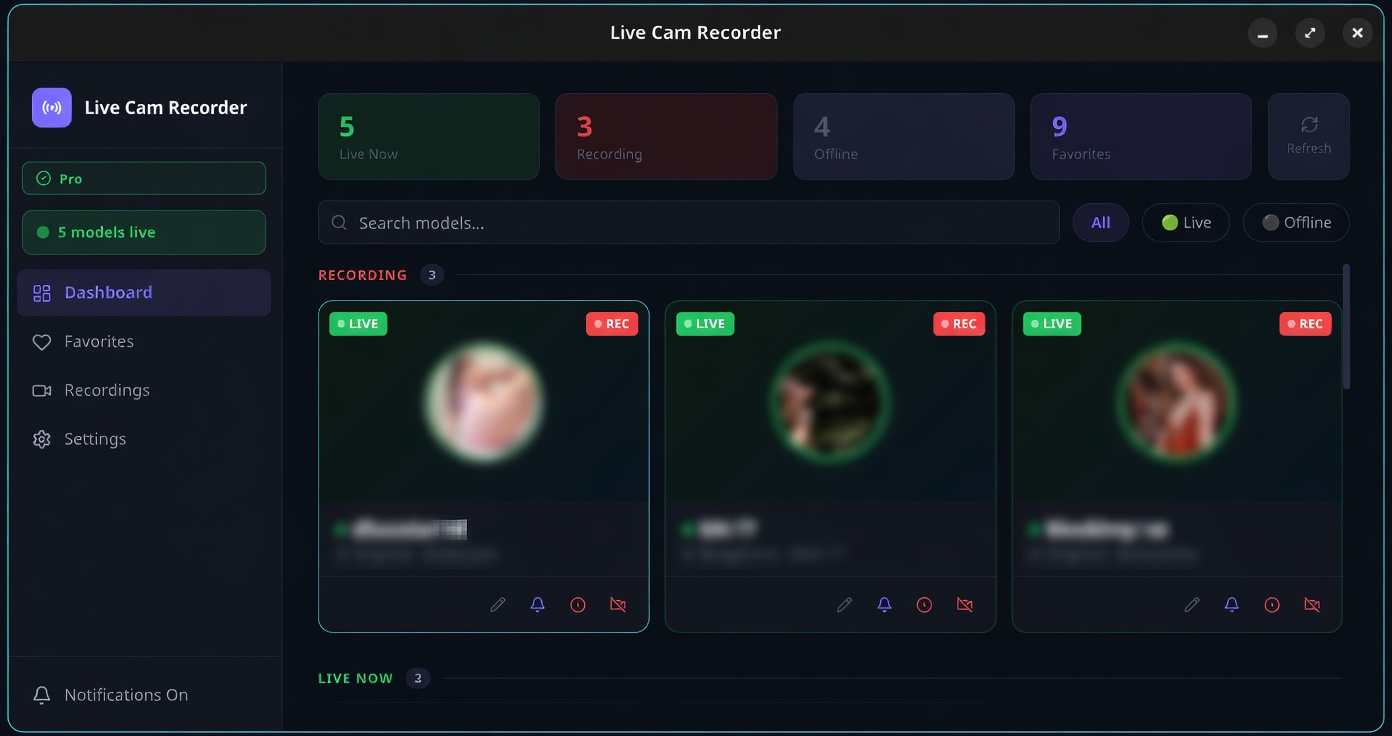
Download Live Cam Recorder
Download for Linux (.AppImage)
Installation steps
- Make the AppImage executable: chmod +x LiveRecorder-*.AppImage
- Run it: ./LiveRecorder-*.AppImage
- Alternatively install the .deb: sudo dpkg -i live-recorder_*.deb
- Launch from your applications menu or terminal
- Paste your license key on first launch and click Activate
You'll need a license key to activate the app. Subscribe to get one or sign in to view your existing key.